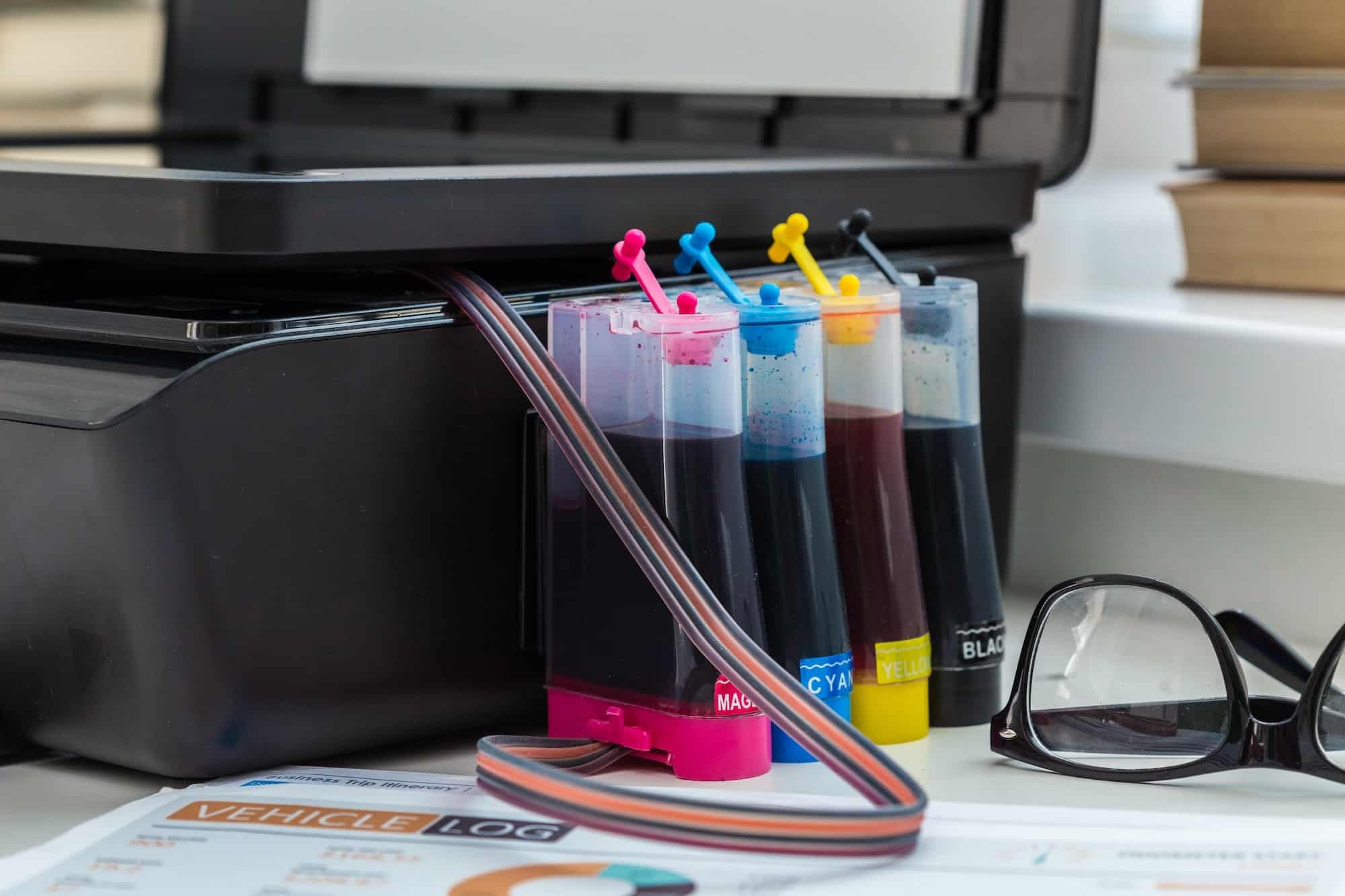
Enterprise leaders across Phoenix face mounting pressure to optimize their printing infrastructure while managing costs that can reach $50,000 annually for mid-sized operations. The data tells a clear story: organizations that implement strategic laser cartridge management protocols reduce printing expenses by an average of 35% while improving print quality consistency by 28%.
The Enterprise Laser Cartridge Performance Framework
Building an effective laser cartridge strategy starts with understanding your current performance baseline. Most Phoenix businesses operate printing fleets without proper tracking mechanisms, leading to inefficient cartridge utilization and premature replacement cycles. The Environmental Protection Agency reports that office printing accounts for approximately 8% of total workplace energy consumption, making cartridge efficiency a critical sustainability metric.
Enterprise-grade cartridge management requires data collection across four key performance indicators: yield per cartridge, cost per page, replacement frequency, and print quality degradation patterns. Organizations implementing systematic tracking report identifying cost savings opportunities within the first 30 days of data collection. Phoenix-based companies particularly benefit from this approach due to the desert climate’s impact on toner stability and cartridge longevity.
Quality Assurance Protocols for Maximum Yield
Temperature and humidity fluctuations common to the Phoenix metropolitan area create unique challenges for laser cartridge performance. The National Institute of Standards and Technology establishes optimal storage conditions between 68-77°F with relative humidity levels of 45-55%. Deviation from these parameters can reduce cartridge yield by up to 15%, translating to significant cost increases for high-volume printing operations.
Professional cartridge evaluation involves regular print density testing using standardized test pages that measure toner distribution consistency. This process identifies performance degradation before it impacts critical business documents. Cartridge World, Phoenix implements ISO 19752 testing protocols that provide accurate yield predictions for both OEM and compatible cartridges, enabling precise budget forecasting for enterprise clients.
The timing of cartridge replacement significantly impacts overall printing costs. Many organizations replace cartridges prematurely when print quality begins showing minor inconsistencies, rather than maximizing the remaining usable yield. Data from the International Association of Printing Technologies indicates that proper cartridge monitoring can extend usable life by an average of 12-18%, representing substantial savings for organizations processing thousands of pages monthly.
Supply Chain Optimization Strategies
Phoenix businesses benefit from establishing dual-source cartridge procurement strategies that balance cost efficiency with supply reliability. The regional supply chain infrastructure supports both OEM and compatible cartridge distribution, but enterprise buyers must evaluate total cost of ownership rather than unit price alone. Quality laser cartridges from established suppliers often deliver 95-98% of OEM performance at 40-60% of the cost, creating substantial budget optimization opportunities.
Inventory management becomes critical for organizations maintaining multiple printer models across different departments. Statistical analysis of historical usage patterns enables predictive ordering that prevents stockouts while minimizing carrying costs. The Bureau of Labor Statistics data shows office supply costs have increased 4.2% annually over the past three years, making efficient inventory turnover increasingly important for budget management.
Enterprise procurement teams should establish performance benchmarks that include cost per page, yield consistency, and compatibility ratings for each cartridge supplier. This data-driven approach eliminates guesswork and provides objective criteria for vendor evaluation. Organizations tracking these metrics report improved print quality consistency and reduced per-page costs within 90 days of implementation.
Technology Integration and Monitoring Systems
Modern laser printers generate detailed usage data that enterprise IT departments can leverage for cartridge optimization. Network-connected devices provide real-time information about toner levels, page counts, and print quality metrics through centralized management platforms. This data enables proactive cartridge ordering and helps identify printers requiring maintenance or calibration.
Integration with existing asset management systems creates visibility into printing costs across different departments and projects. The Government Accountability Office reports that organizations implementing comprehensive print management reduce overall printing costs by 20-30% through improved visibility and accountability measures.
Advanced monitoring systems can predict cartridge replacement schedules based on historical usage patterns and current consumption rates. This predictive capability prevents unexpected downtime and ensures consistent print quality for mission-critical documents. Phoenix enterprises utilizing these systems report 45% fewer printing-related service calls and improved employee productivity.
Maintenance and Longevity Best Practices
Printer maintenance directly impacts cartridge performance and longevity. Regular cleaning cycles remove accumulated toner residue and paper dust that can cause premature cartridge failure. The desert environment around Phoenix creates additional challenges with fine dust particles that can infiltrate printer mechanisms and affect cartridge seating and toner flow.
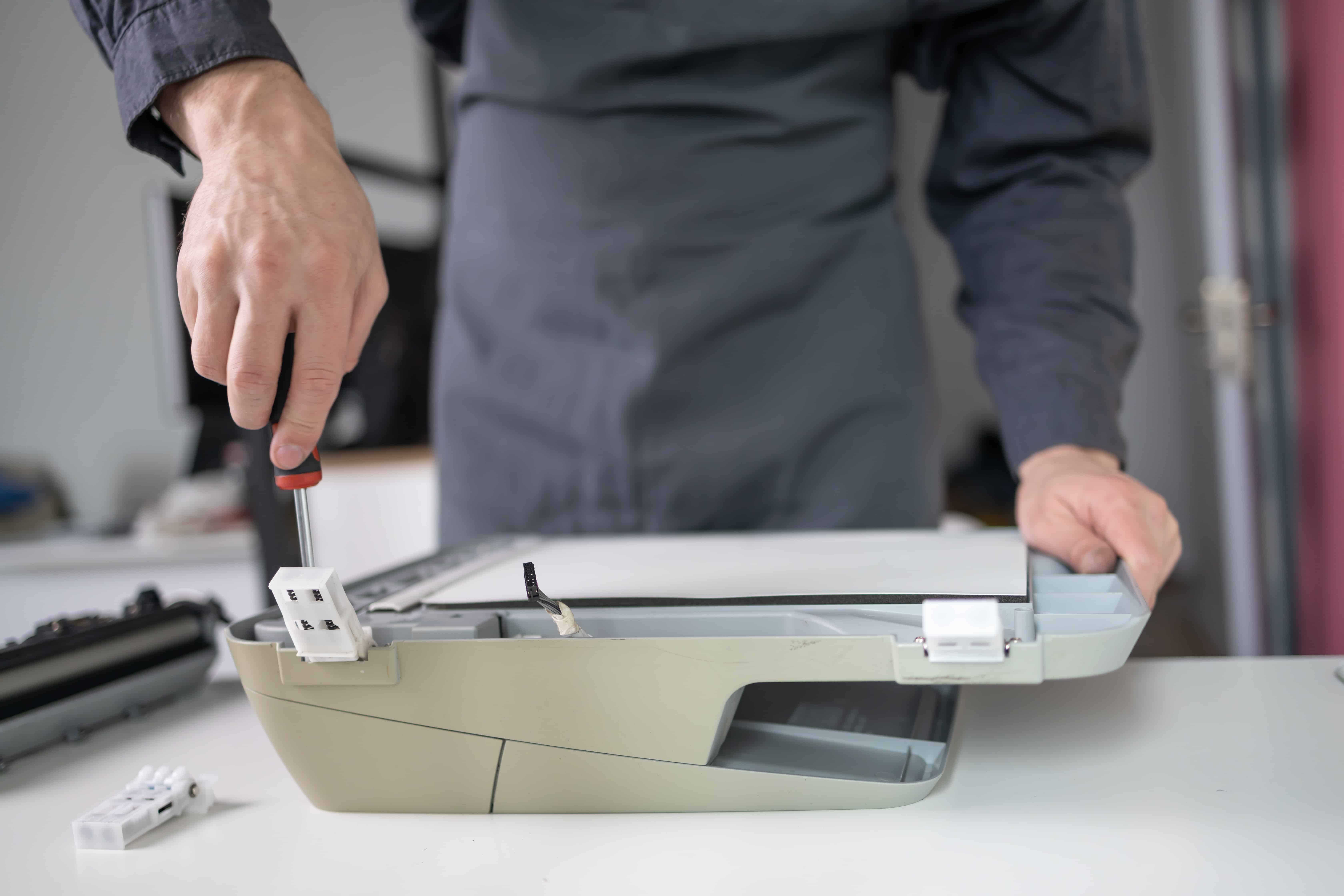
Professional printer services include comprehensive cleaning protocols that extend both printer and cartridge lifespan. Organizations investing in quarterly maintenance report 25% longer cartridge life and fewer print quality issues. This maintenance investment typically pays for itself through extended cartridge utilization and reduced service calls.
Environmental factors specific to Phoenix require additional attention to printer placement and ventilation. Direct sunlight exposure and temperature fluctuations can cause toner clumping and cartridge housing warping. Strategic placement away from windows and HVAC vents, combined with consistent temperature control, optimizes cartridge performance and prevents premature failure.
Your organization’s printing efficiency depends on implementing these data-driven strategies systematically. Start by establishing baseline metrics for your current cartridge performance, then implement monitoring systems that provide real-time visibility into usage patterns and costs. Partner with experienced suppliers who understand enterprise requirements and can provide consistent quality and support. Contact our laser cartridge specialists to develop a customized optimization strategy that delivers measurable cost savings and improved print quality for your Phoenix operation.